
facerig
This is an old revision of the document!
FaceRig
In order to start FaceRig, you have to doubleClick SteamLogin_FaceRig on the Desktop. Then you need to go to
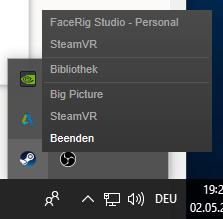
and select “FaceRigStudio Personal”
Connecting with RunCam 2 (IP Camera)
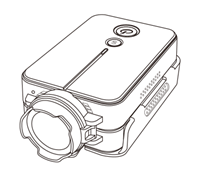
- Switch on RunCam Camera until Powerbutton lights up blue
- Press WiFi Button until Wifi-Led blinks blue
- Start WLAN and select RUNCAM2_846eb6 (or seomthing similar)
- Enter Password 1234567890
Wifi-Led stops blinking
- FaceRigStudio > Advanced UI> Advanced Tracking Configuration > Input Device
- Input Type > IP Camera
- IP Camera URL > rtsp:192.168.1.1:554/MJPG?W=720&H=400&Q=50&BR=5000000/track1 - Connect ===== Connecting with Axio Neuron ===== https://www.youtube.com/watch?v=oOwaeGcOOc4 ===== Streaming Avatar =====
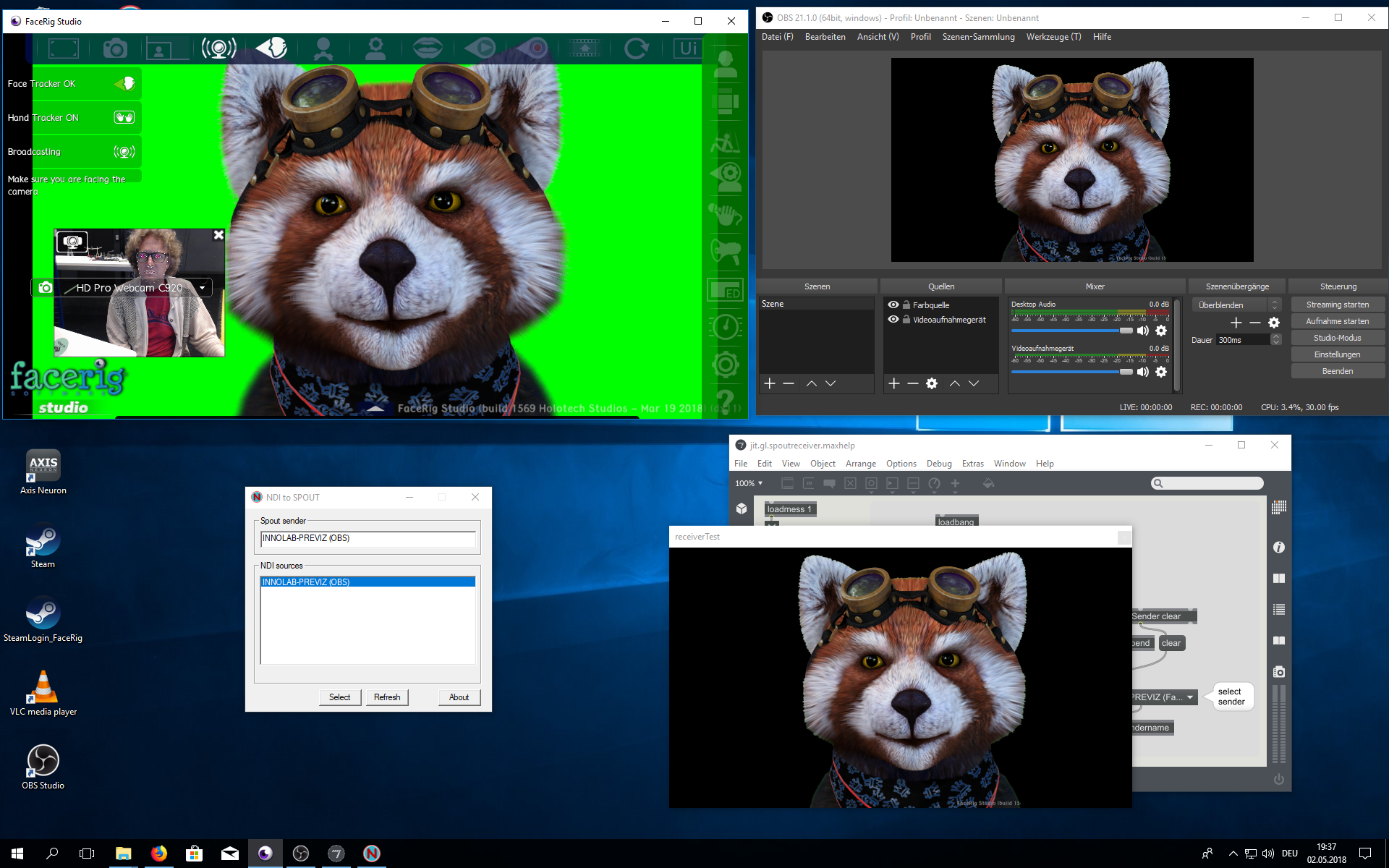 You need to have installed:
- OBS (Open Broadcasting Sofware)
- OBS->NDI
- NDI->Spout
- Spout
- Select “Broadcast” inside FaceRig
- Open OBS (Open Broadcasting Sofware)
- Create “Source/Quelle” → + → VideoRecording Device → select “FaceRig Virtual Camera”
- RightClick new Source → Filter
- Add Chroma Key
- Menu→Tools/Werkzeuge→NDI-OutputSettings
- Start NDI to Spout Application
- Select NDI source
- Open Spout Receiver
You need to have installed:
- OBS (Open Broadcasting Sofware)
- OBS->NDI
- NDI->Spout
- Spout
- Select “Broadcast” inside FaceRig
- Open OBS (Open Broadcasting Sofware)
- Create “Source/Quelle” → + → VideoRecording Device → select “FaceRig Virtual Camera”
- RightClick new Source → Filter
- Add Chroma Key
- Menu→Tools/Werkzeuge→NDI-OutputSettings
- Start NDI to Spout Application
- Select NDI source
- Open Spout Receiver
facerig.1526651910.txt.gz · Last modified: by 10.128.96.101